



Introduction
Have you ever needed a professional flyer to promote your business, advertise an event, announce a new product, or market your services but lacked the design skills or budget to hire a graphic designer?
Artificial intelligence is making graphic design more accessible. With AI-powered tools, you can generate design ideas, create visual assets, choose colour combinations, and produce promotional flyers without starting from a blank canvas.
In this tutorial, you will learn how to create professional flyers with AI for free, discover useful design tools, and follow a practical workflow for producing flyers for WhatsApp, Facebook, Instagram, and other platforms.
Whether you operate a small business in Nigeria, run a blog, sell products online, or create social media content, this guide will help you get started.
What Is AI Flyer Design?
AI flyer design involves using artificial intelligence and automated design tools to create promotional graphics.
Depending on the tool, you may be able to describe your desired design in a text prompt, generate images, choose templates, and edit the final composition.
For example, a business owner could request a blue-and-white flyer advertising data subscriptions, electricity bill payments, and cable TV services.
An AI tool might help generate the concept, background, visual arrangement, or complete draft. You can then refine the design in a graphic editor.
AI is especially useful for generating ideas quickly. However, you should still review the final flyer for spelling, layout, accurate pricing, and contact information.
Best Free AI Tools for Flyer Design
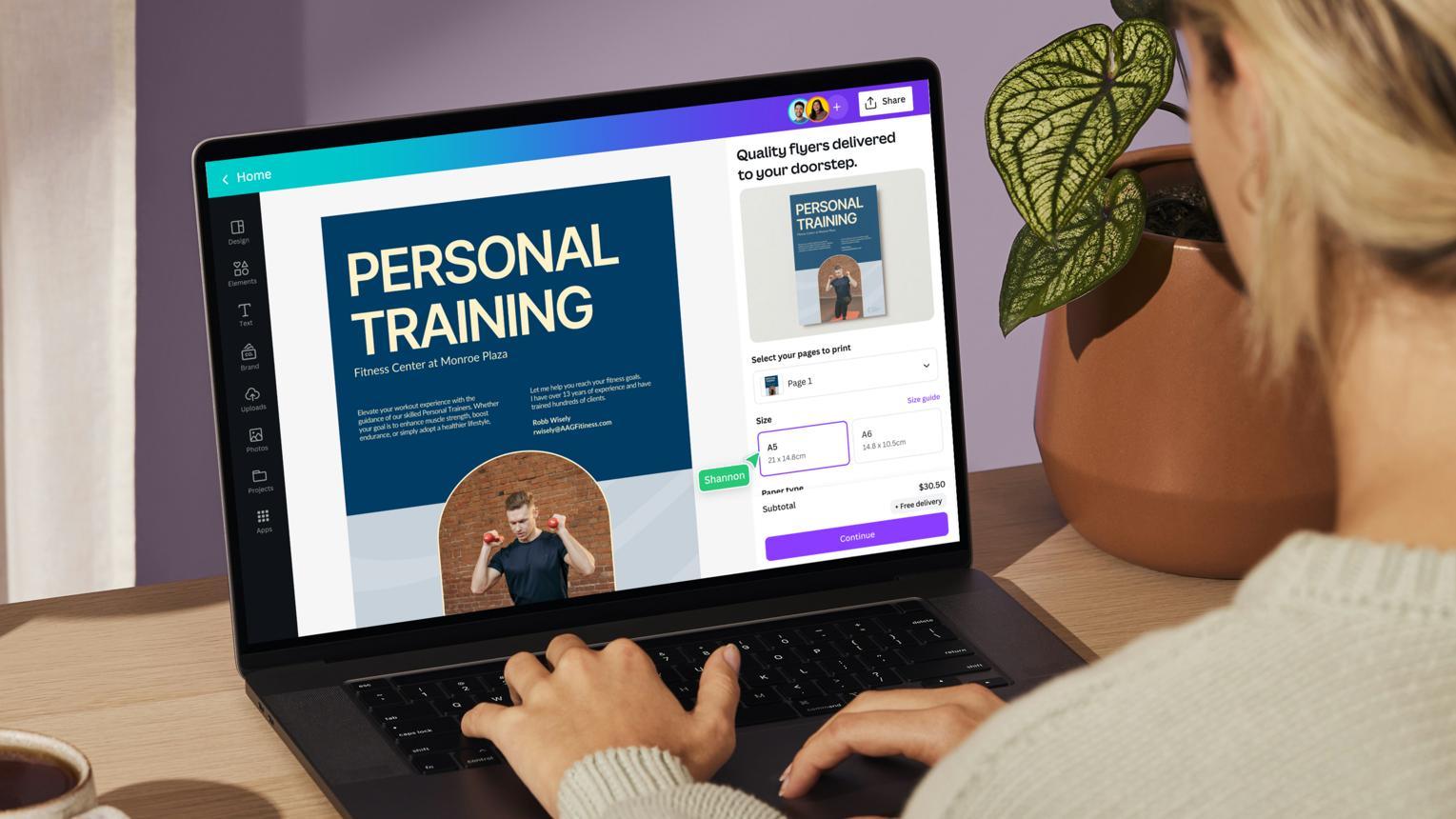
1. Canva
Canva combines graphic design templates with AI-assisted features.
It is useful for creating promotional flyers, event announcements, product adverts, educational posters, and social media graphics.
Website: https://www.canva.com/
2. Adobe Express
Adobe Express provides design templates and tools for creating marketing materials. Some AI-assisted capabilities are available depending on the current plan.
Website: https://www.adobe.com/express/
3. ChatGPT
ChatGPT can help you develop flyer concepts, write promotional copy, select colour palettes, and generate visual drafts where image generation is available.
Website: https://chatgpt.com/
4. Microsoft Designer
Microsoft Designer offers AI-assisted visual creation tools that can help you explore promotional design ideas.
Website: https://designer.microsoft.com/
Important: Free access and export options differ across platforms. Some features may have usage limits or require a paid subscription. Check each service’s current terms before choosing it for your project.
Step 1: Decide What Your Flyer Should Achieve
Before opening a design tool, identify the purpose of your flyer.
Ask yourself:
- What product, service, or event am I promoting?
- Who is my target audience?
- What is the most important message?
- What action should the reader take?
- Which platform will display the flyer?
For example, a flyer promoting an affordable data subscription should make the network, data bundle, price, validity period, and ordering instructions easy to understand.
An event flyer may prioritise the event name, date, venue, time, and registration details instead.
Step 2: Write a Strong AI Design Prompt
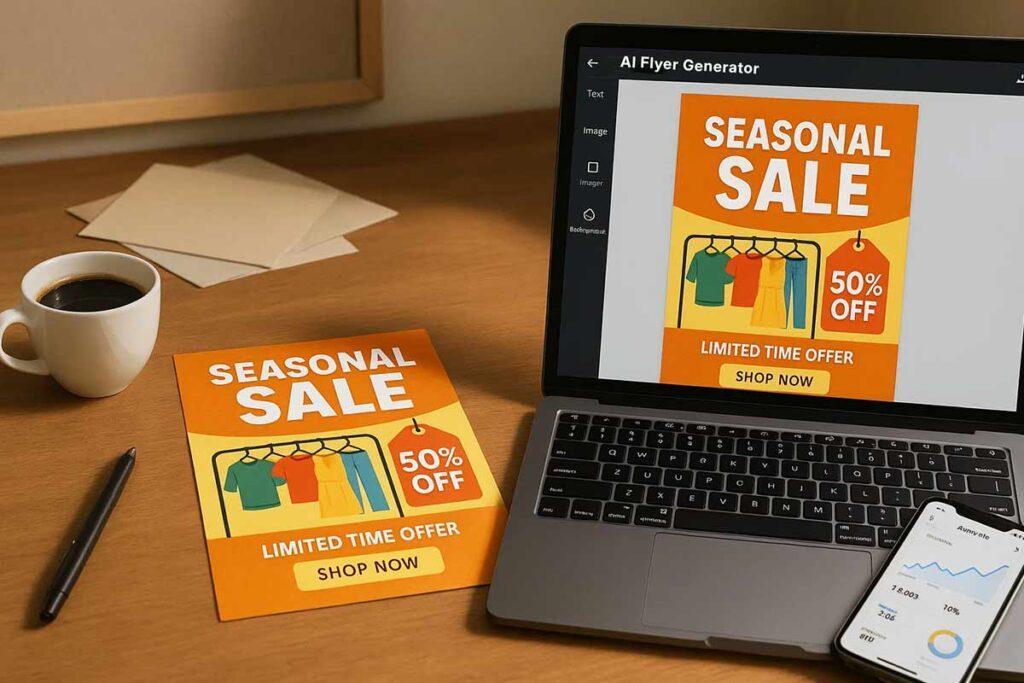
A good prompt provides the tool with enough information to create a relevant design.
Use this template:
Copy-and-use AI flyer prompt
“Create a professional promotional flyer for BUSINESSNAMEBUSINESS NAME.
Business type: INDUSTRYINDUSTRY.
Purpose: WHATTHEFLYERPROMOTESWHAT THE FLYER PROMOTES.
Target audience: AUDIENCEAUDIENCE.
Headline: MAINHEADLINEMAIN HEADLINE.
Key information:
- SERVICEORPRODUCT1SERVICE OR PRODUCT 1
- SERVICEORPRODUCT2SERVICE OR PRODUCT 2
- PRICEOROFFERPRICE OR OFFER
- CONTACTDETAILSCONTACT DETAILS
Visual style: Modern, clean, attractive, and professional.
Colour palette: PRIMARYCOLOURPRIMARY COLOUR, SECONDARYCOLOURSECONDARY COLOUR, and ACCENTCOLOURACCENT COLOUR.
Layout: Make the headline prominent, arrange the key information clearly, and include a strong call to action. Maintain readable text, good spacing, and a clear visual hierarchy.
Format: 4:5SOCIALMEDIAFLYER/1:1SQUAREPOST/A4PRINTFLYER4:5 SOCIAL MEDIA FLYER / 1:1 SQUARE POST / A4 PRINT FLYER.
Do not invent prices, phone numbers, addresses, discounts, or business claims. Preserve all supplied details accurately.”
Replace the placeholders with your actual information before submitting the prompt.
Step 3: Generate the Flyer Concept
Use the prompt in your preferred AI tool. If the tool produces a complete design, inspect it carefully. If it generates only a concept or background, use that result in a design editor such as Canva.
Generate a few alternatives where possible. Compare the layout, colour combination, image selection, and readability.
Do not automatically accept the first result. A design may look attractive while still being unsuitable for your intended audience.
Step 4: Edit the Flyer and Correct the Text
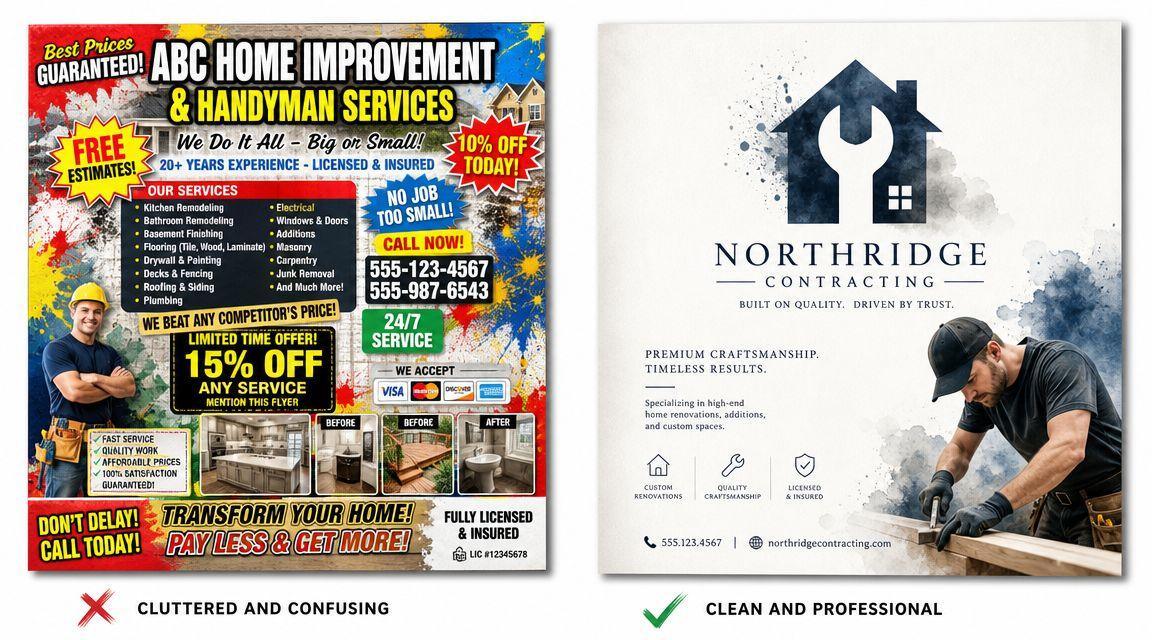
AI-generated images can contain misspelled words, incorrect numbers, distorted logos, or poorly arranged text.
For important business information, a reliable workflow is to generate the visual concept first and add the final text manually using a design editor.
Review the following:
- Business name and logo.
- Phone number and WhatsApp contact.
- Product prices and service descriptions.
- Dates, venues, and registration details.
- Spelling, grammar, and punctuation.
- Font size, spacing, and colour contrast.
If the flyer contains several services, organise them into clear sections instead of squeezing everything into one crowded design.
Step 5: Choose the Right Flyer Size
Different platforms require different formats.
| Purpose | Suggested format |
|---|---|
| Instagram portrait post | 4:5 ratio |
| Instagram or Facebook Story | 9:16 ratio |
| WhatsApp Status | 9:16 ratio |
| Square promotional graphic | 1:1 ratio |
| Printed flyer | A4 or A5, with suitable print resolution |
For print materials, check the printer’s requirements for resolution, colour mode, bleed, and file format. A design intended for a phone screen may need adjustments before printing.
Step 6: Export and Publish Your Flyer
Once the design is ready, export it in the appropriate format.
- PNG: Useful for crisp digital graphics and social media posts.
- JPG: Useful for compressed images and sharing online.
- PDF: Often suitable for printing, depending on the export settings.
Preview the final image on a phone screen before publishing. Make sure the text remains readable and the call to action is easy to find.
If the flyer advertises a business, include a clear next step such as “Send us a WhatsApp message,” “Order today,” or “Register now.”
Practical Example: Creating a Flyer for a Nigerian Digital Services Business

Imagine you run a digital services business that offers mobile data, airtime, cable subscriptions, and electricity bill payments.
Your design brief could be:
- Business: Rashaad Digital Hub
- Purpose: Promote digital services
- Audience: Customers looking for convenient digital transactions
- Colours: Navy blue, white, and electric cyan
- Headline: Your Trusted Digital Services Partner
- Call to action: Contact us today
Ask the AI tool to create a clean, modern flyer concept. Then use your design editor to add the official logo, verified services, current prices, and correct contact information.
This approach lets you use AI for creative direction while keeping important business details under your control.
Common Mistakes to Avoid
Using too much text: A flyer should communicate its main message quickly. Keep secondary information concise.
Using unreadable fonts: Decorative fonts may look attractive but can make essential details difficult to read.
Trusting AI-generated text without checking: Incorrect contact details or prices can cost you customers. Verify every important detail.
Ignoring brand consistency: Use colours, typography, and logos that match your existing business identity.
Assuming every tool is completely free: Some tools limit downloads, premium assets, or AI generations. Check the current plan details before starting.
Using copyrighted material without checking permissions: Verify the usage rights for images, fonts, templates, and other assets incorporated into your flyer.
Frequently Asked Questions
Can I create flyers with AI for free?
Yes. Some platforms provide free templates, AI-assisted design tools, or limited image generation. Available features and export restrictions vary.
Which AI tool is best for creating flyers?
Canva is a practical starting point for template-based editing. ChatGPT can help with design prompts and concepts, while Adobe Express and Microsoft Designer offer additional options for visual creation.
Can AI create a flyer with my business name and phone number?
AI may attempt to include the information, but generated text can be inaccurate. For business-critical details, add the final text manually in a design editor and verify it before publishing.
Can I use AI-generated flyers for commercial purposes?
Potentially, yes, depending on the tool’s terms and the rights associated with the included assets. Review the applicable licensing conditions before using the design commercially.
Can I design flyers on my Android phone?
Yes. You can use compatible mobile browsers or design applications to generate concepts, edit text, and export promotional graphics. Your experience will depend on the device, application, and available features.
Conclusion
AI flyer design gives beginners and business owners a practical way to explore promotional graphics without starting from scratch.
The best results come from combining a clear brief, a well-written prompt, careful editing, and accurate business information.
Start with one simple flyer, test a free design tool, and improve the result until it meets your needs. As you gain experience, you can develop consistent templates for your products, services, and campaigns.
Found this guide useful? Share it with a business owner, student, blogger, or content creator who wants to improve their design workflow.
For more tutorials on artificial intelligence, digital skills, and technology, visit UTech Blog.
Official tools
- Canva: https://www.canva.com/
- Adobe Express: https://www.adobe.com/express/
- ChatGPT: https://chatgpt.com/
- Microsoft Designer: https://designer.microsoft.com/


