


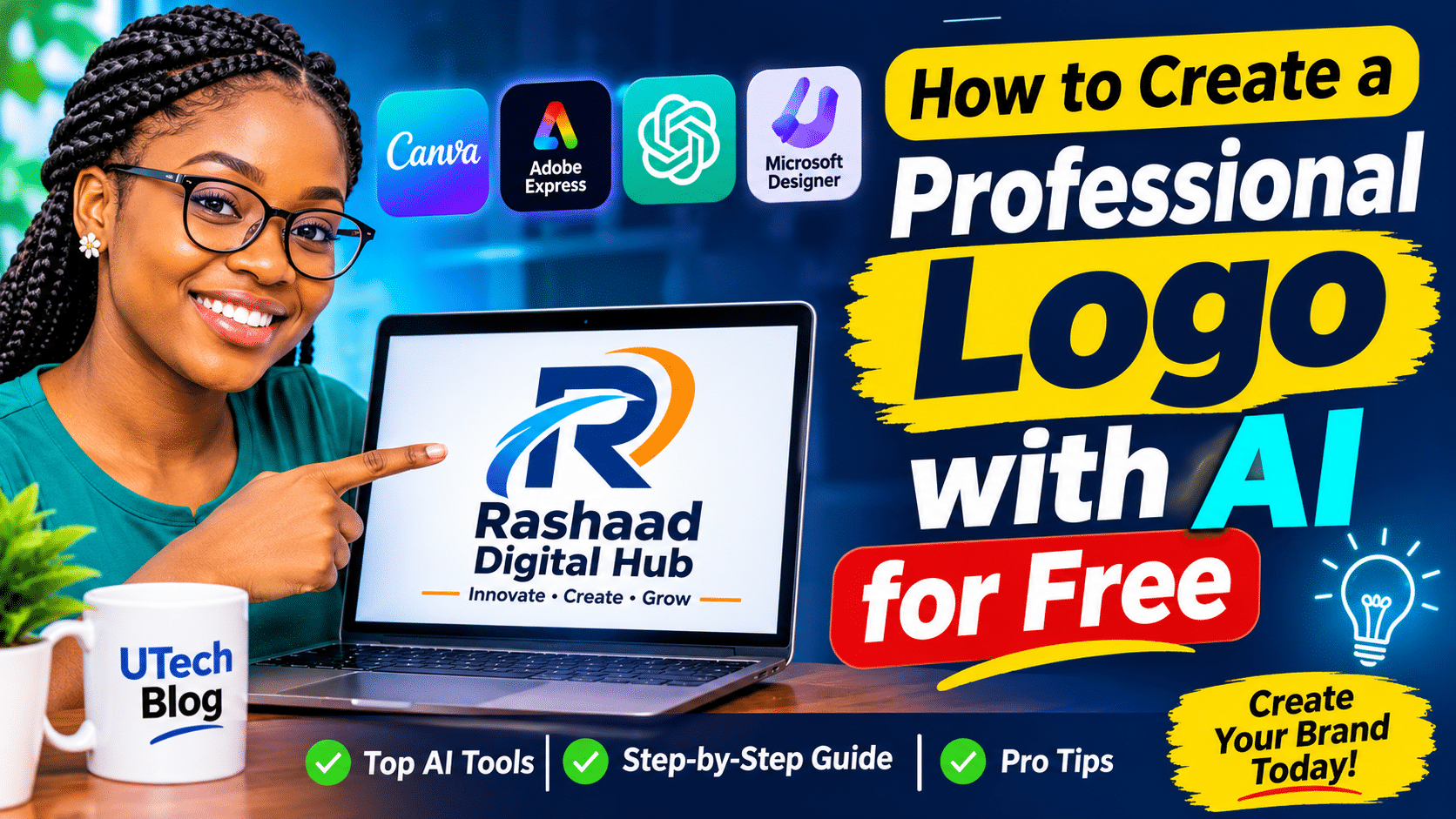
Introduction
A professional logo is one of the most important elements of a business’s visual identity. It helps customers recognise your brand, builds consistency across marketing materials, and makes your business look more organised and trustworthy.
However, hiring a professional designer may not fit everyone’s budget, especially when starting a small business, blog, YouTube channel, or online service.
The good news is that AI-powered design tools can help you create logo concepts without starting from scratch. Some tools offer free access, while others provide limited free features or require payment to download certain files.
In this guide, you will learn how to create a logo with AI for free, explore useful design tools, and discover how to turn an AI-generated concept into a professional brand identity.
What Is an AI Logo Maker?
An AI logo maker is a design tool that uses artificial intelligence, templates, or automated design systems to help users create logos.
Depending on the tool, you may be able to enter your business name, describe your preferred style, select colours, and generate logo concepts automatically.
For example, if you run a technology business called Rashaad Digital Hub, you could describe the brand as follows:
“A modern technology logo for a digital services company. Use dark navy blue, white, and electric cyan. Include a simple geometric symbol that suggests innovation, connectivity, and digital solutions. Make the design clean, memorable, and suitable for websites, business cards, and social media.”
The tool can use your description to generate or guide the creation of a design.
However, AI-generated logos may require editing. Check the spelling, readability, originality, and suitability of the final design before using it commercially.
Best Tools to Create a Logo with AI
Here are some tools worth exploring. Their free features, download options, and commercial-use terms may change, so check the current conditions before committing to a design.
1. Canva
Canva is a graphic design platform with logo templates and AI-assisted design features.
Best for: Beginners, small businesses, bloggers, and social media creators.
Useful features include:
- Customisable logo templates.
- Text, shapes, icons, and colour palettes.
- Tools for creating matching social media graphics.
- AI-assisted design features, subject to plan and usage limits.
Website: https://www.canva.com/
Canva is a practical starting point if you want to create a logo and use the same visual identity across flyers, business cards, and social media posts.
2. Adobe Express
Adobe Express offers templates and design tools for creating logos and other branding materials. Depending on current availability, it also provides AI-assisted features.
Best for: Content creators and business owners who want a polished visual style.
Website: https://www.adobe.com/express/
Explore the available free plan before using premium assets or features.
3. Microsoft Designer
Microsoft Designer provides AI-assisted design capabilities that can help with creative concepts and marketing graphics.
Best for: People who want to explore visual ideas from written descriptions.
Website: https://designer.microsoft.com/
Its available features and access requirements may vary. Check whether its current tools can produce the kind of logo asset you need.
4. ChatGPT
ChatGPT can help you develop logo concepts, write design prompts, explore colour combinations, and, where image generation is available, create visual concepts.
Best for: People who want to turn a business idea into a clear design brief.
Website: https://chatgpt.com/
For example, you can ask ChatGPT to propose three distinct logo directions for a clothing brand, explain the reasoning behind each direction, and develop a detailed prompt for your preferred concept.
An AI-generated image is not automatically a production-ready logo. You may need to refine the typography, remove unnecessary details, and prepare a transparent version.
5. Ideogram
Ideogram is an AI image-generation platform known for its work with text in images, although results still require inspection.
Best for: Exploring logo concepts and typography-led visual ideas.
Website: https://ideogram.ai/
Check its current pricing, usage limits, and commercial-use conditions before relying on it for a business identity.
Important: Not every tool provides free high-resolution downloads, transparent backgrounds, editable vector files, or unrestricted commercial use. Confirm these details before choosing your final design workflow.
How to Create a Logo with AI for Free: Step-by-Step Guide
Follow these steps to develop a logo for your business, blog, personal brand, or YouTube channel.
Step 1: Define Your Brand
Before opening an AI tool, decide what your logo should communicate.
Write down:
- Brand name: The exact name to display.
- Business type: For example, technology, fashion, education, food, or digital services.
- Target audience: The people you want to attract.
- Brand personality: Modern, elegant, playful, professional, traditional, or minimalist.
- Preferred colours: Two or three colours that suit your brand.
- Where the logo will appear: Websites, social media, packaging, signage, or printed materials.
A clear brief helps you avoid generating random designs that do not fit your business.
Step 2: Choose an AI Design Tool
Select a tool based on your needs and budget.
If you want to work with templates and customise the design manually, start with Canva or Adobe Express.
If you want to explore ideas from a written description, try ChatGPT or another AI image-generation tool available to you.
Check the free plan’s limitations before investing time in a particular platform.
Step 3: Write a Detailed Logo Prompt
Your prompt should describe the brand, desired visual style, colours, symbol, and intended use.
Here is a reusable prompt:
AI Logo Design Prompt
“Create a professional logo concept for BUSINESSNAMEBUSINESS NAME, a business operating in the INDUSTRYINDUSTRY sector.
Brand personality: MODERN,MINIMALIST,ELEGANT,OROTHERSTYLEMODERN, MINIMALIST, ELEGANT, OR OTHER STYLE.
Colour palette: PRIMARYCOLOURPRIMARY COLOUR, SECONDARYCOLOURSECONDARY COLOUR, and ACCENTCOLOURACCENT COLOUR.
Design direction: Create a simple, distinctive symbol related to the business, paired with clear, readable typography. Use balanced proportions, clean shapes, and a design that remains recognisable at small sizes.
Requirements: Avoid unnecessary details, mockup scenes, watermarks, and decorative backgrounds. Keep the composition suitable for a website header, social media profile, business card, and printed materials.
Provide a clean logo concept on a plain background. Preserve the business name exactly as written.”
Replace the placeholders with your own information.
If the generated logo contains misspelled text, create the symbol separately and add the business name using a design editor.
Step 4: Generate Several Concepts
Do not settle for the first result.
Create or explore at least three different directions:
- Wordmark: A logo built primarily around the business name.
- Combination mark: A symbol paired with the business name.
- Monogram: A design built around initials or a shortened brand name.
Compare the concepts based on readability, simplicity, relevance, and memorability.
A complicated design is not necessarily more professional than a simple one.
Step 5: Refine the Best Design
After choosing a concept, improve the details.
Check the following:
- Is the business name spelt correctly?
- Can people read it on a small phone screen?
- Are the colours appropriate for your audience?
- Does the symbol make sense for your business?
- Does the logo still look good in black and white?
- Can you use it on both light and dark backgrounds?
Remove unnecessary effects, excessive gradients, tiny text, and decorative elements that make the logo difficult to reproduce.
Step 6: Prepare Different Logo Versions
A business should not rely on one image for every situation.
Prepare the following variations where possible:
- Primary logo: The complete logo with symbol and business name.
- Icon version: A simplified symbol for social media profile pictures and favicons.
- Horizontal version: A wider logo for website headers.
- Monochrome version: A single-colour logo for documents and simple printing.
- Transparent version: A logo without a background, where supported.
For professional printing and future editing, consider obtaining a vector file such as SVG or PDF. A transparent PNG is also useful for many digital applications.
Some tools restrict these export options to paid plans, so check before choosing your workflow.
Step 7: Test the Logo Before Publishing
Preview your logo on a website header, business card, flyer, and social media profile.
Ask a few potential customers or colleagues what they think the business does when they see the design.
Their feedback can help you identify confusing symbols, poor readability, or colours that do not suit the brand.
Finally, keep the original files and record the fonts, colours, and design decisions you used.
Example: Creating a Technology Logo with AI
Imagine you are launching a digital services company called “Rashaad Digital Hub.”
Your logo brief could look like this:
| Element | Design choice |
|---|---|
| Brand name | Rashaad Digital Hub |
| Industry | Technology and digital services |
| Primary colour | Dark navy blue |
| Secondary colour | White |
| Accent colour | Electric cyan |
| Style | Modern, minimal, professional |
| Symbol | Abstract geometric mark suggesting connectivity |
| Intended use | Website, social media, business cards |
The prompt could be:
“Develop a minimalist technology logo for Rashaad Digital Hub. Use dark navy blue, white, and electric cyan. Create a distinctive geometric symbol suggesting digital connectivity and innovation. Pair it with clean, readable typography. Avoid generic stock-style symbols and unnecessary decorative effects. Make the concept adaptable to both a website header and a small profile icon.”
Generate several concepts, choose the strongest direction, and refine it in a design editor.
This example demonstrates how a clear design brief can help an AI tool produce more relevant results than a vague instruction such as “make me a logo.”
Common Mistakes to Avoid When Creating AI Logos
1. Using the First Generated Design
AI outputs can be inconsistent. Compare multiple concepts and refine the best one instead of immediately publishing the first result.
2. Ignoring Typography
A visually attractive symbol cannot compensate for a business name that is difficult to read or incorrectly spelt.
3. Choosing Too Many Colours
A restrained colour palette usually makes it easier to maintain consistency across websites, flyers, and printed materials.
4. Using Complex Details
Thin lines, tiny text, and intricate symbols may disappear when the logo is reduced to a small size.
5. Assuming Every AI Logo Is Unique
AI-generated designs can resemble existing logos. Search for similar marks and check relevant trademark databases before adopting a design for commercial use.
6. Ignoring Commercial-Use Conditions
Read the tool’s terms for generated content, templates, fonts, icons, and stock assets. Free access does not automatically guarantee exclusive ownership or unrestricted commercial rights.
7. Saving Only a Screenshot
Keep the highest-quality export available and, where possible, retain editable source files and vector versions. A screenshot is rarely an adequate master file for a professional brand.
Frequently Asked Questions
Can I create a logo with AI for free?
Yes. Several design platforms provide free tools, templates, or limited AI-assisted features. However, high-resolution exports, vector files, and certain premium features may require payment.
Which AI tool is best for logo design?
The best choice depends on your workflow. Canva and Adobe Express are useful for template-based editing, while ChatGPT and other image-generation tools can help develop creative concepts. Compare current features and licensing before selecting a tool.
Can I use an AI-generated logo for my business?
Potentially, yes, subject to the relevant tool’s terms, applicable law, and any rights associated with incorporated assets. Check for similarities to existing trademarks and avoid assuming that an AI-generated design is automatically exclusive.
Can AI create a logo with my business name?
Some tools can generate text in images, but spelling and typography may be unreliable. For important branding, consider generating the symbol and adding the exact business name in a design editor.
What file format should I use for my logo?
SVG is useful for scalable vector graphics, while transparent PNG works well for many digital applications. PDF may be appropriate for print workflows. Availability depends on the tool and export plan.
Do I need graphic design skills to use an AI logo maker?
No advanced design skills are required to begin. However, understanding typography, spacing, colour contrast, and visual hierarchy will help you create a more professional result.
Conclusion
Creating a logo with AI can be an accessible starting point for entrepreneurs, bloggers, freelancers, and content creators who want to establish a visual identity without a large initial budget.
The key is to combine a clear brand brief with thoughtful prompt writing, careful concept selection, and proper refinement.
Start with a free tool, develop several concepts, test the strongest design, and verify the applicable usage rights before publishing it.
Remember that a logo is only one part of branding. Consistent colours, typography, messaging, and customer experience help turn a logo into a recognisable identity.
Enjoyed this tutorial? Share it with a business owner, blogger, or aspiring designer who wants to explore AI-powered design.
For more practical tutorials on artificial intelligence, technology, and digital skills, keep visiting UTech Blog — Useful Knowledge, Practical Solutions.
Related Articles
Explore these tutorials on UTech Blog:


