


 Have you ever watched a professional-looking video on YouTube, TikTok, Instagram or Facebook and wondered how it was created?
The good news is that you don’t necessarily need an expensive computer or complicated editing software to create impressive videos.
With KineMaster, you can edit videos directly from your smartphone or tablet.
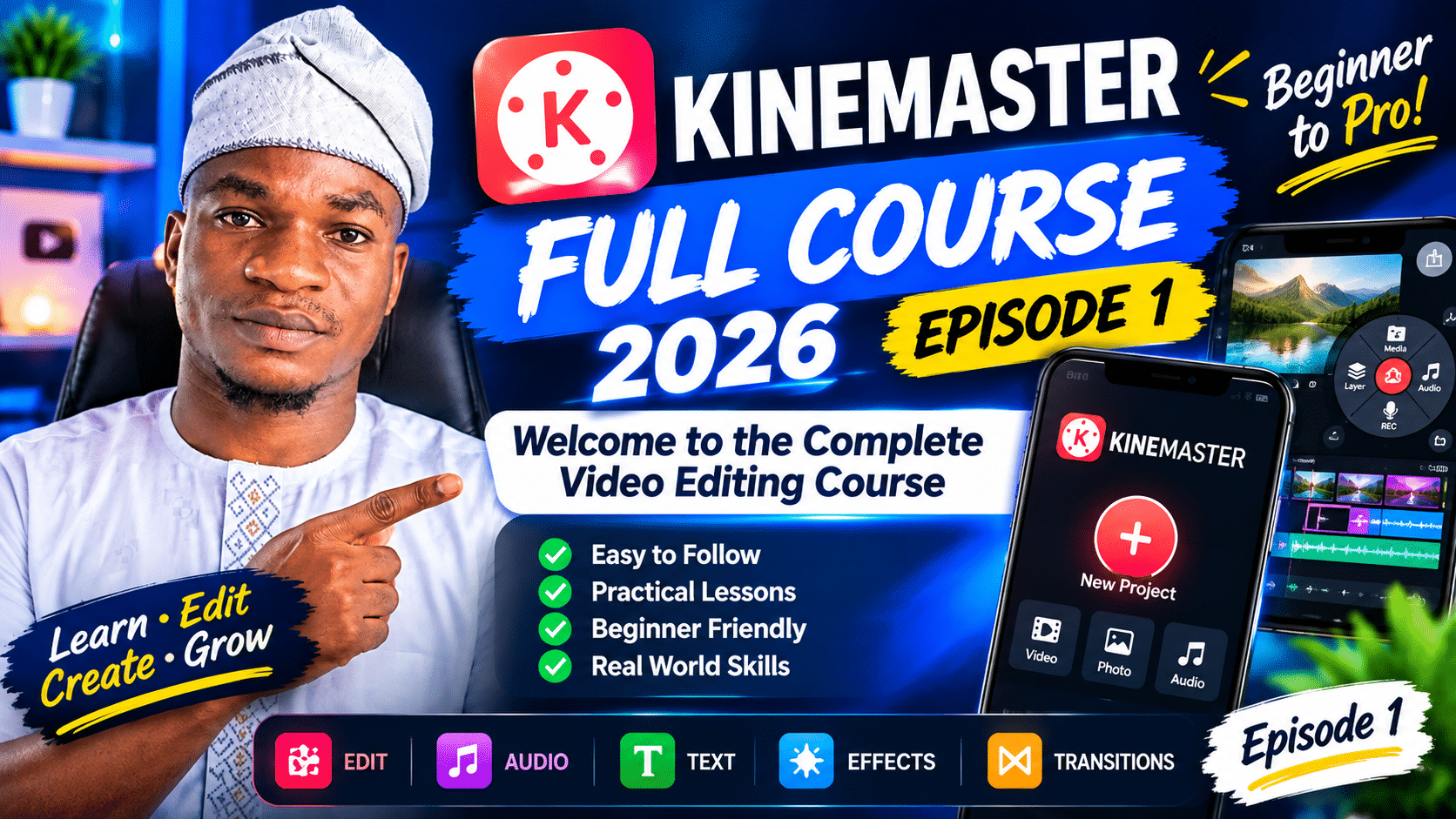
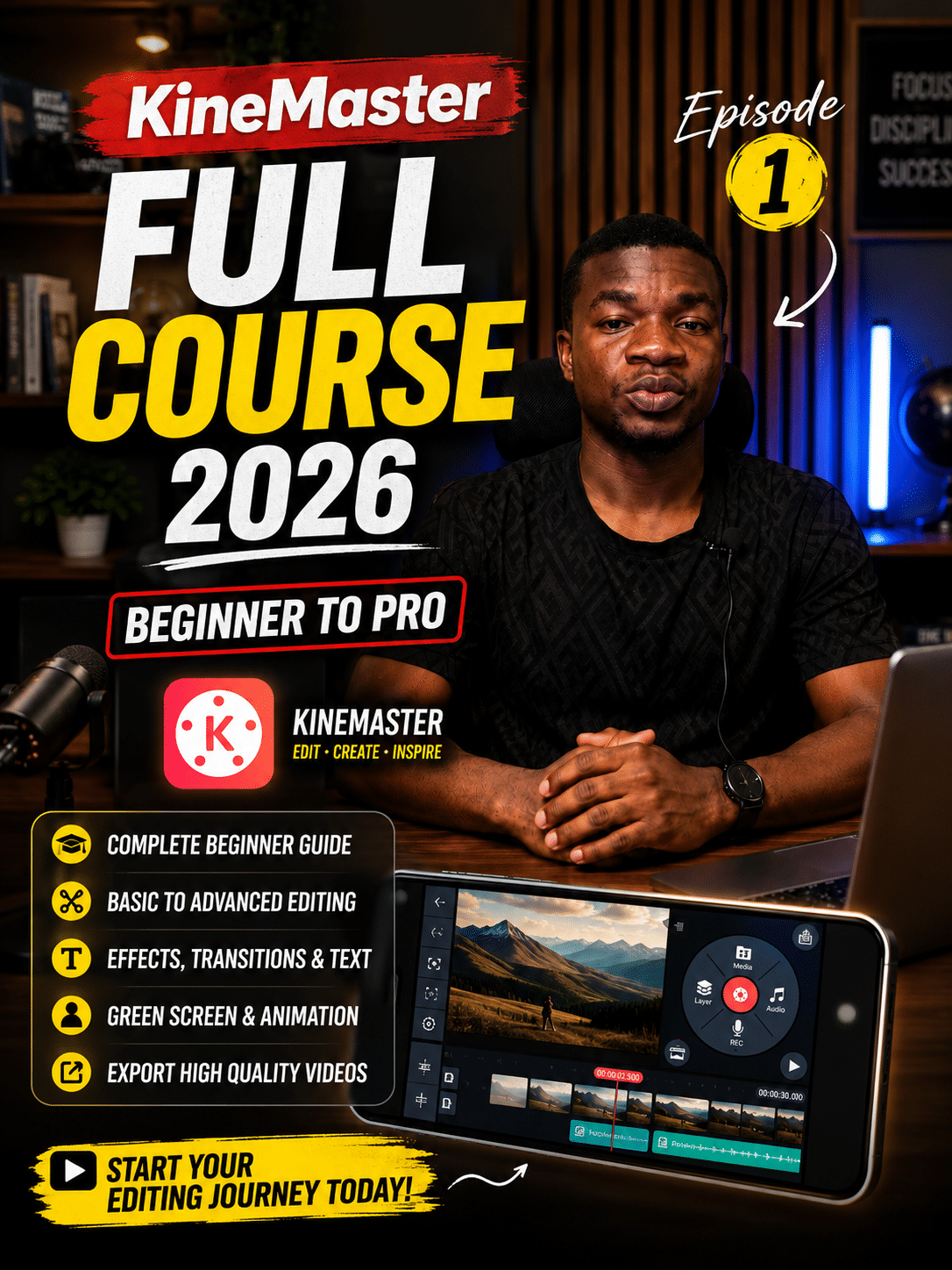
Welcome to the KineMaster Full Course 2026, a step-by-step video editing course designed to take you from a complete beginner to a confident KineMaster editor.
Whether you’re a student, content creator, business owner, teacher, freelancer or someone who simply wants to learn video editing, this course is designed to help you build practical editing skills using your mobile device.
🎬 Watch Module 1 – Video 1
KineMaster Full Course 2026 – Episode 1: Introduction
What Is This KineMaster Course About?
The KineMaster Full Course 2026 is a complete learning series that covers video editing using the KineMaster mobile application.
Instead of jumping from one unrelated tutorial to another, this course follows a structured learning path.
We’ll start with the fundamentals and gradually move into more advanced editing techniques.
You don’t need to have previous video editing experience.
If you’ve never opened KineMaster before, you can start from the beginning and follow each lesson step by step.
What You Will Learn
Throughout the course, we’ll explore different aspects of mobile video editing, including:
🎥 Basic Video Editing
You’ll learn how to:
- Create a new project
- Import videos and images
- Trim video clips
- Split clips
- Rearrange clips
- Delete unwanted sections
- Control video speed
- Create a clean editing workflow
🎵 Audio Editing
We’ll also explore how to work with audio.
You’ll learn how to:
- Add background music
- Add sound effects
- Record voiceovers
- Adjust audio volume
- Work with multiple audio elements
- Create better audio balance
✍️ Text and Titles
Text is an important part of modern video content.
You’ll learn how to:
- Add text to videos
- Choose appropriate fonts
- Change colours and styles
- Position text
- Animate text
- Create captions and titles
🎨 Effects and Transitions
We’ll explore KineMaster’s tools for making videos more visually interesting.
This includes:
- Transitions
- Visual effects
- Filters
- Layers
- Blending
- Green-screen effects
- Other creative editing techniques
🎬 Advanced Editing
As the course progresses, we’ll move into more advanced techniques such as:
- Keyframe animation
- Motion effects
- Picture-in-picture
- Masking
- Layer-based editing
- Professional-looking animations
📱 Social Media Video Editing
We’ll also apply the skills we learn to real-world content.
You’ll learn how to create videos for platforms such as:
- YouTube
- YouTube Shorts
- TikTok
- Instagram Reels
Who Is This Course For?
This course is suitable for anyone who wants to learn mobile video editing.
👨🎓 Students
Students can use KineMaster to create presentations, school projects, educational videos and other multimedia content.
🎥 Content Creators
If you’re creating content for YouTube, TikTok, Instagram or Facebook, KineMaster can be a useful tool for editing your videos directly from your phone.
💼 Business Owners
Small businesses can use video to promote their products and services.
You’ll learn techniques that can help you create promotional videos, adverts and social media content.
💻 Freelancers
Video editing is a useful digital skill for freelancers. As you become more comfortable with KineMaster, you can practice creating different types of videos and build a portfolio of your work.
🧑🏫 Teachers and Educators
KineMaster can also be useful for creating educational content, tutorials, presentations and instructional videos.
Why Learn Video Editing?
Video has become an important part of digital communication.
Businesses use video to showcase their products.
Creators use video to educate and entertain audiences.
Teachers use video to explain concepts.
Organizations use video for communication and marketing.
Even individuals can use video to document events, share ideas and tell stories.
Learning how to edit video gives you more control over the content you create.
And the great thing about mobile editing is that you can start with the device you already have.
Why Are We Using KineMaster?
KineMaster provides a mobile editing environment where you can perform many of the tasks required to create videos.
The application includes tools for working with:
- Video
- Images
- Audio
- Text
- Layers
- Effects
- Transitions
- Animation
- Green screen
- Export settings
This makes it useful for both beginners who are learning the fundamentals and creators who want to produce content directly from a mobile device.
📚 Course Structure
The course will be divided into several modules so that you can learn progressively.
Module 1 – Getting Started
We’ll begin with the fundamentals of KineMaster.
Topics include:
- Introduction to KineMaster
- Installing KineMaster
- Understanding the interface
- Creating your first project
- Understanding the basic workspace
Module 2 – Basic Video Editing
We’ll start editing actual video clips.
You’ll learn:
- Importing media
- Trimming
- Splitting
- Deleting
- Rearranging clips
- Speed control
Module 3 – Audio Editing
We’ll focus on sound.
Topics include:
- Background music
- Sound effects
- Voiceovers
- Volume control
- Audio adjustments
Module 4 – Text and Titles
We’ll learn how to make videos communicate information effectively through text.
Module 5 – Effects and Transitions
We’ll explore visual effects, transitions and creative editing techniques.
Module 6 – Advanced Editing
This module will introduce more advanced tools and workflows.
Module 7 – Social Media Projects
We’ll use the skills from previous modules to create different types of social media content.
Module 8 – Exporting and Final Projects
Finally, we’ll learn how to export our videos properly and apply everything we’ve learned to practical projects.
📝 Don’t Just Watch — Practice
One of the most important things I want you to remember throughout this course is:
Don’t just watch the tutorials. Practice along with them.
Video editing is a practical skill.
Watching someone edit a video can help you understand the process, but actually opening KineMaster and performing the same steps yourself is what will build your confidence.
So whenever you finish a lesson, open KineMaster and try the techniques you’ve just learned.
You don’t have to create something perfect.
Make mistakes.
Experiment.
Try different settings.
And most importantly, keep practicing.
🎯 Your First Assignment
Before moving to the next lesson, take a few minutes to think about what you want to use KineMaster for.
Do you want to:
- Start a YouTube channel?
- Create TikTok videos?
- Edit educational content?
- Create business advertisements?
- Edit Islamic content?
- Become a freelance video editor?
- Improve your existing content?
Write down your goal.
Having a specific goal will make it easier to choose projects to practice with as you progress through the course.
🚀 What Comes Next?
In Module 1 – Video 2, we’ll move from introduction to practical setup.
We’ll learn how to:
- Download KineMaster
- Install the application
- Open KineMaster for the first time
- Understand the home screen
- Create a new project
- Choose an aspect ratio
- Understand the editing workspace
- Identify the preview window
- Understand the timeline
- Locate media and audio tools
- Understand the basic export area
This will give you the foundation you need before we start editing actual videos.
📺 Continue the KineMaster Course
If you’re new to KineMaster, I recommend following the course from Module 1, Video 1 onward rather than jumping randomly between lessons.
Each lesson is designed to build on the previous one.
Course Progress
✅ Module 1 – Video 1: Introduction to the KineMaster Full Course
▶️ Module 1 – Video 2: Download, Install & Navigate KineMaster
🔒 Module 1 – Video 3: Free vs Premium KineMaster
🔒 Module 2: Basic Video Editing
🔒 Module 3: Audio Editing
🔒 Module 4: Text & Titles
🔒 Module 5: Effects & Transitions
🔒 Module 6: Advanced Editing
🔒 Module 7: Social Media Projects
🔒 Module 8: Exporting & Final Projects
💬 Join the Conversation
Are you learning KineMaster for the first time?
Tell me in the comments:
What do you want to learn in how to create with KineMaster?
For example:
“I want to learn how to edit YouTube videos.”
or
“I want to learn how to create professional adverts for my business.”
Your answer can also help shape future lessons and practical projects in this course.
🎬 Final Word
Learning video editing doesn’t have to be complicated.
You can start with a smartphone, an editing application and a willingness to practice.
The goal of this course is to take you through that learning process one step at a time.
So open KineMaster, follow the lessons, practice what you learn, and gradually build your editing skills.
Welcome to the KineMaster Full Course 2026.
Let’s start creating. 🎬
🔔 Don’t Miss the Next Lesson
Next: KineMaster Module 1 – Video 2: How to Download, Install & Navigate KineMaster
Subscribe to the YouTube channel and turn on notifications so you can follow the complete course from beginning to end.


